Like TikTok: Google Adds AI-Powered Short Video Creation to NotebookLM

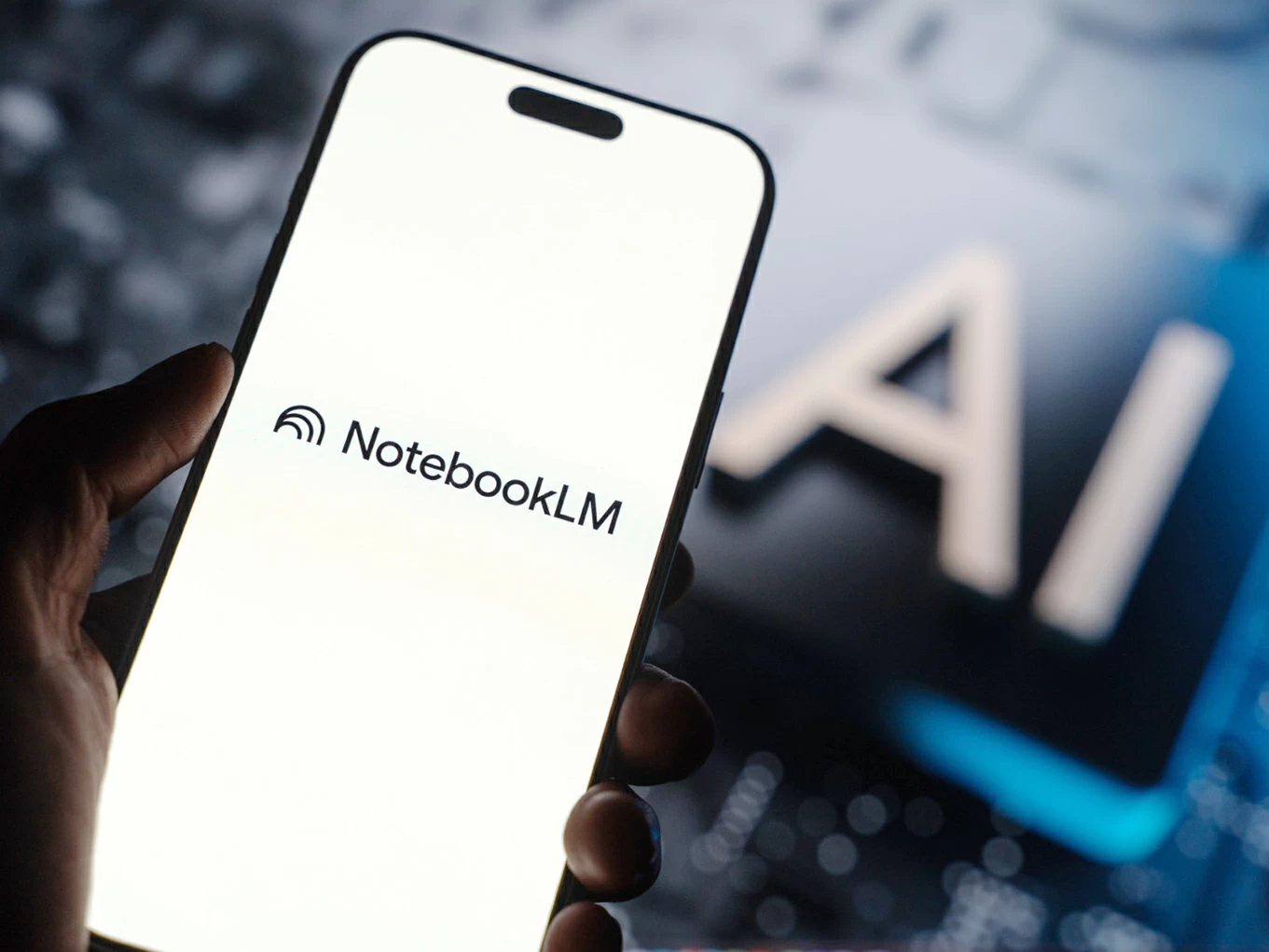
NotebookLM | Google announced the expansion of NotebookLM's features by launching a new feature that allows converting notes and research materials into 60-second vertical short videos in a style similar to
Google announced the expansion of NotebookLM's features by launching a new feature that converts notes and research materials into 60-second vertical short videos in a style resembling TikTok videos, with AI-generated voiceovers, images, and graphics, providing a faster and easier way to digest information.
The feature is available starting today for subscribers of Google AI Pro and Google AI Ultra plans, allowing them to create short videos based on files and sources they upload to NotebookLM.
This format is the third video format supported by the platform, and this update complements NotebookLM's suite of AI-powered tools for simplifying content. The platform already offers the “Audio Overviews” feature, which converts sources into interactive podcast episodes with two voices discussing file content, as well as the Video Overviews feature that provides horizontal visual summaries similar to annotated presentations, and the Cinematic Video Overviews option added last March to offer more dynamic videos in terms of motion, visual effects, and audio.
How does this feature work?
According to Google, the new Short format sits between traditional video summaries and cinematic versions, focusing on delivering information in a quick clip suitable for viewing on smartphones.
The company demonstrated an example of the new feature summarizing the story of Australia's war against emus, using AI-generated artwork in a paper-cutout style, with a voiceover explaining the events.
NotebookLM also shared other samples on X platform, showing videos based on simplified artistic style graphics with limited motion and explanatory text matching each video's topic.
Doom scrolling but make it educational 🤓
Introducing Short Video Overviews in NotebookLM! Turn your most complex sources into 60-second, vertical videos that deep dive into any concept.
Rolling out now to Google AI Ultra and Pro subscribers on mobile & web (free users soon!) pic.twitter.com/vaOa4ELbw4
— NotebookLM (@NotebookLM) June 30, 2026
Although the video duration does not exceed one minute, users can specify the part or idea they want to focus on within the uploaded sources, helping the AI produce a more accurate summary tailored to their needs.
How to use the new feature?
To create a video, open NotebookLM on the web or the dedicated app, select the desired notebook, go to the Studio section, choose Video then Short, then select a topic or write a custom topic, before clicking the Generate button to create the video.
Google is currently releasing the feature in English only, with plans to make it available to free account users in the near future.
Tags
NotebookLM AI Google
Link copied
July 1, 2026 Last updated: July 1, 2026
1 minute
Follow us
Original source: AIT News

Comments (0)
Be the first to comment.