Via Absher Business platform: Steps to update passport information for residents
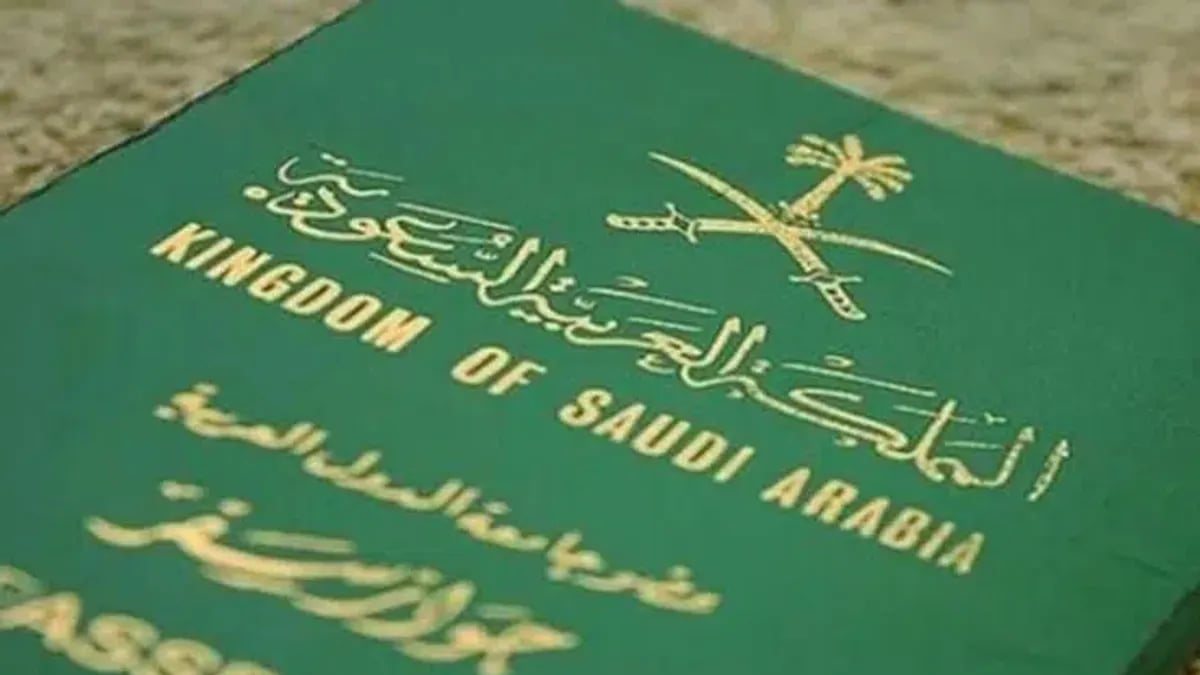
The General Directorate of Passports outlines procedures for updating resident passport information, reporting lost Saudi passports for family members, and extending exit/return visas electronically.
The General Directorate of Passports has revealed the steps for updating passport information for residents, where the establishment owner or his delegate can easily update the passport information of employees electronically via the Absher Business platform.
Updating passport information for residents
The service for updating passport information for residents allows the establishment owner or his delegate to update employees' passport information electronically. The steps to access the service are as follows:
Log in to the Absher Business website
My Business Services
Update passport information for residents
View the tweet on platform X
Reporting the loss of a Saudi passport for family members
The Passports Directorate also explained that citizens can report the loss of a passport for a family member through their Absher account. The steps to access the service are as follows:
Log in to the Absher website
Select Family Members Services
Select Saudi Passport Services for Family Members
Select New Request
Select the beneficiary
Select Report Lost Passport
Extending the exit and return visa
The Absher Business platform has enabled business owners to extend exit and return visas for employees electronically without needing to visit the relevant authorities, through simple steps.
This service allows the establishment owner to extend the exit and return visa for employees electronically through the following steps:
Log in to the Absher Business website
Select My Business Services
Select Visa Services
Then, select the establishment, select the employee, and then select the service to extend the exit and return visa.
Original source: Ajel.sa






Comments (0)
Be the first to comment.